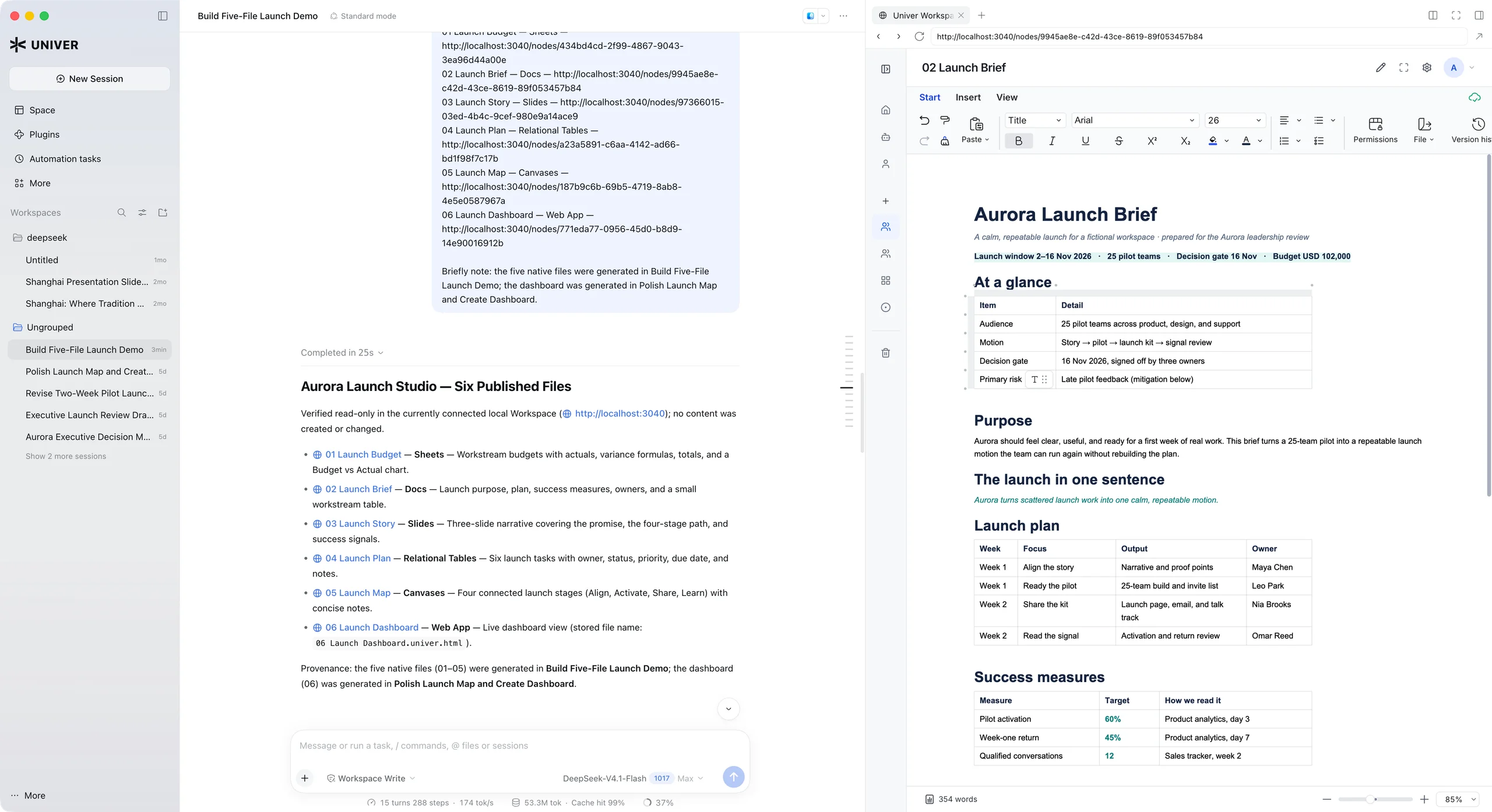
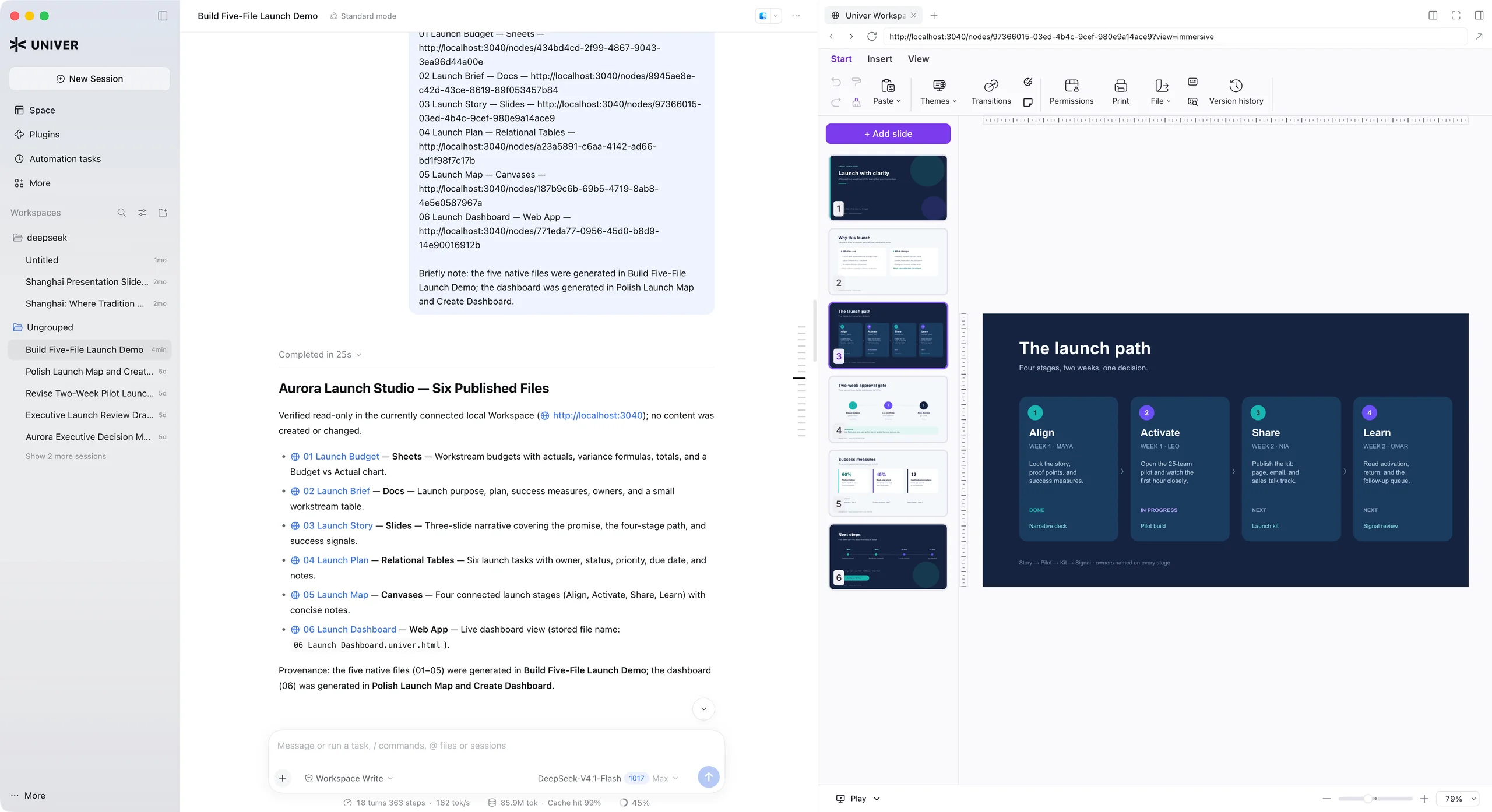
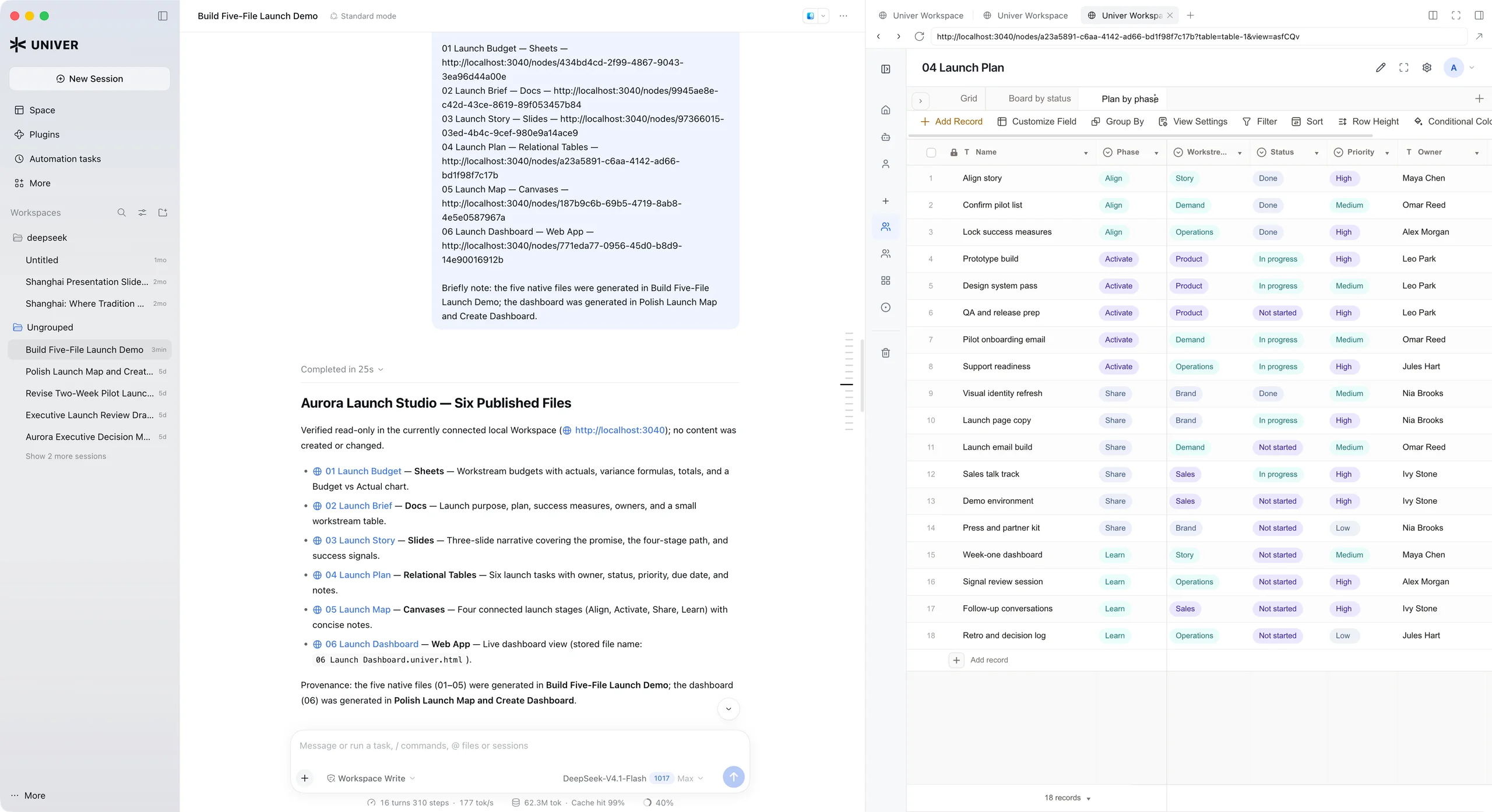
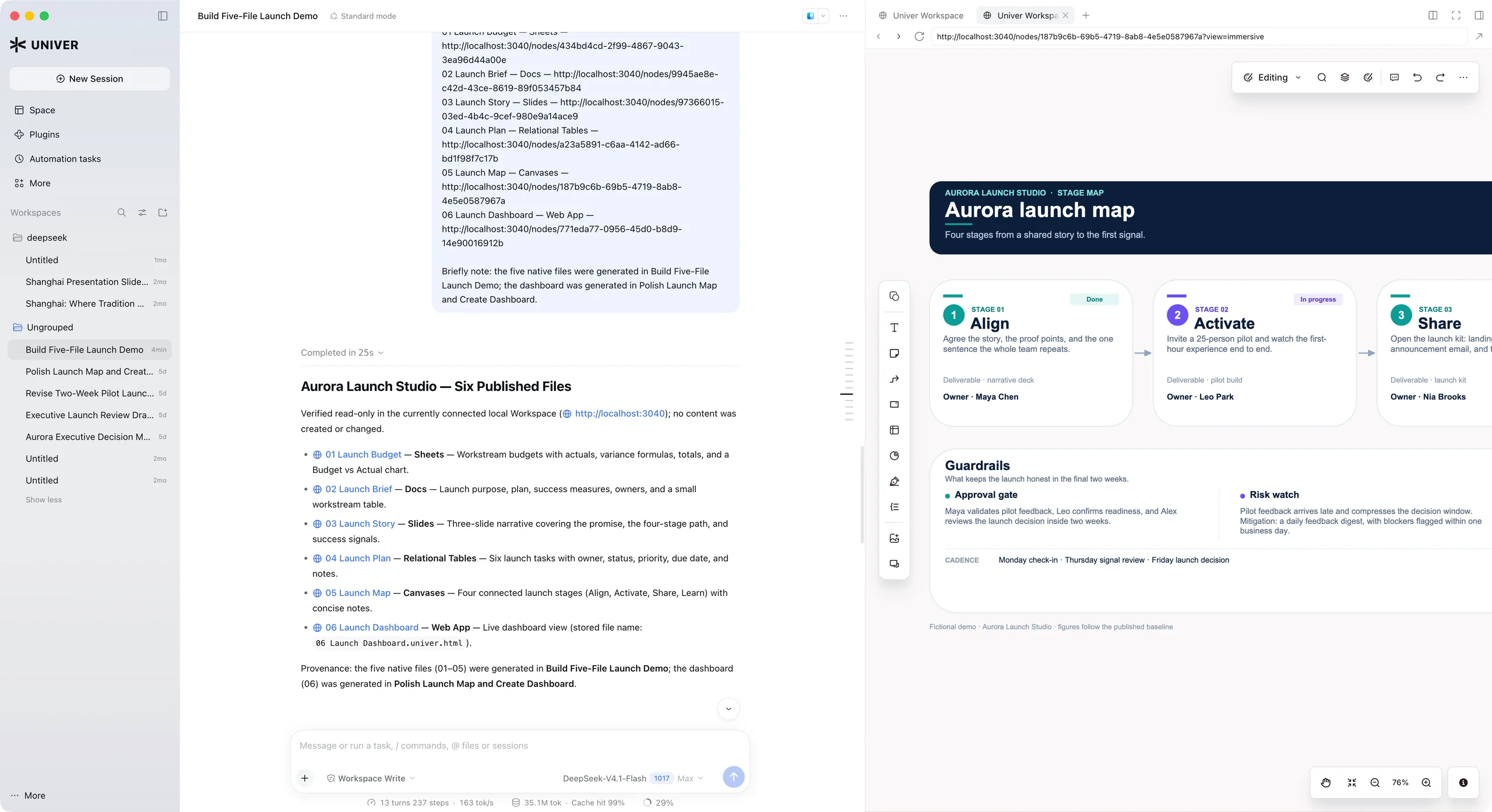
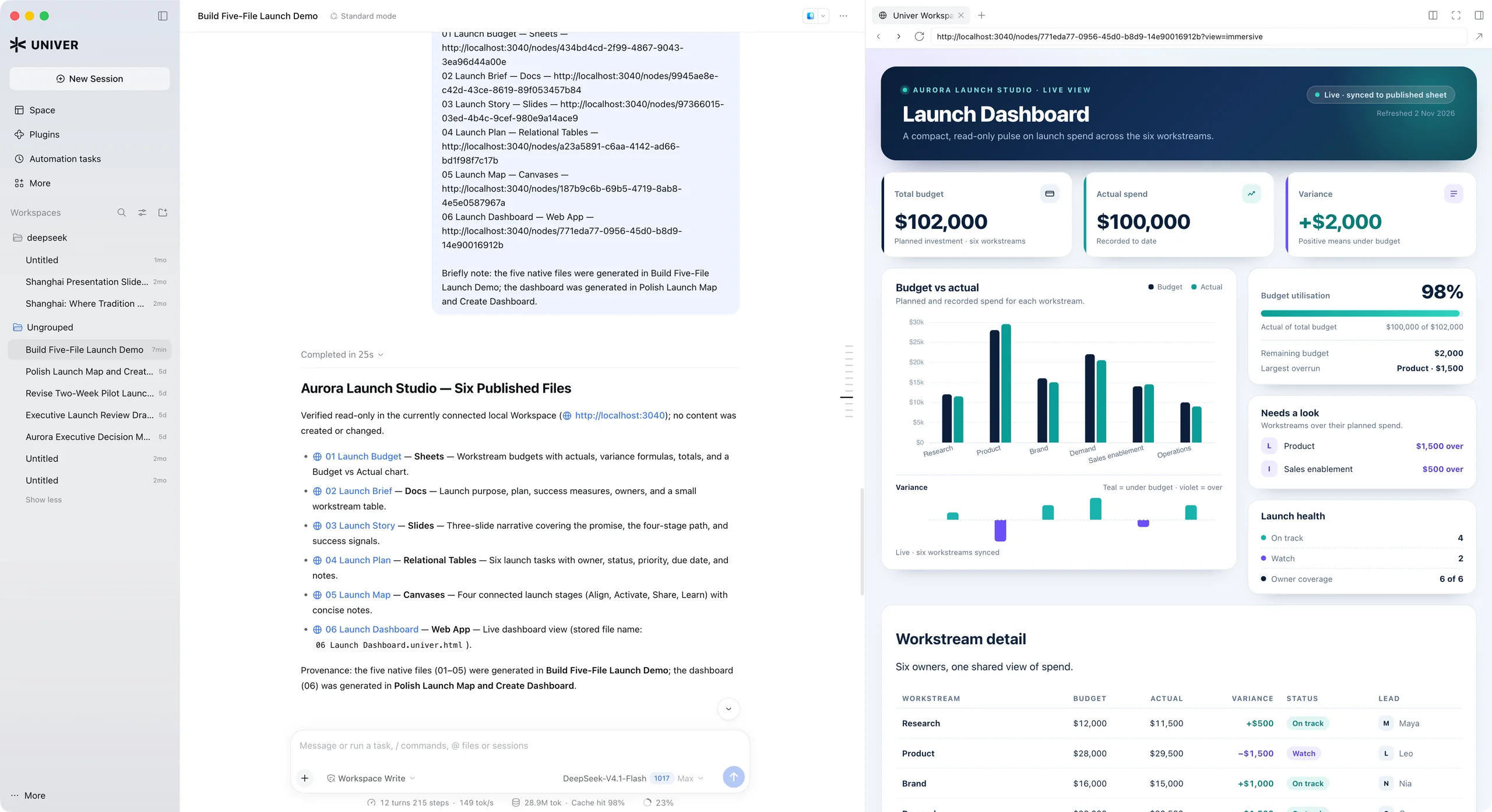
Keep your agents’ work organized.
Organize Office files and Web Apps in Personal and Team Spaces. Find project files, manage who can access them, and let your agents read and update the saved content as work continues.
Open source · Self-hostable
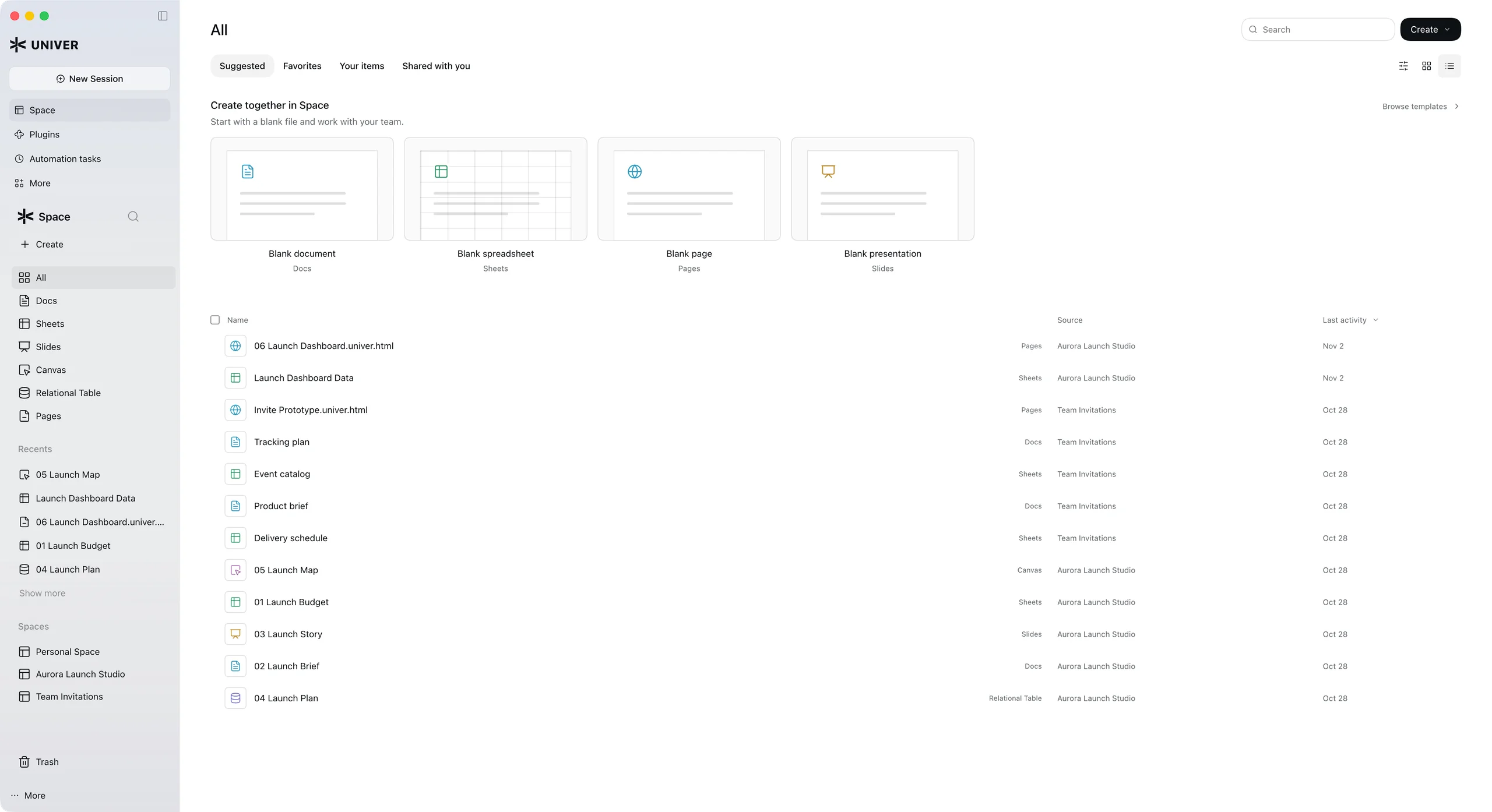
Manage the Office content your agents create.
Keep your agents’ spreadsheets, documents, presentations, and Web Apps in one workspace. Organize content, track versions, and manage access so people and agents can build on the same work.
Organize Office files and Web Apps in Personal and Team Spaces. Find project files, manage who can access them, and let your agents read and update the saved content as work continues.
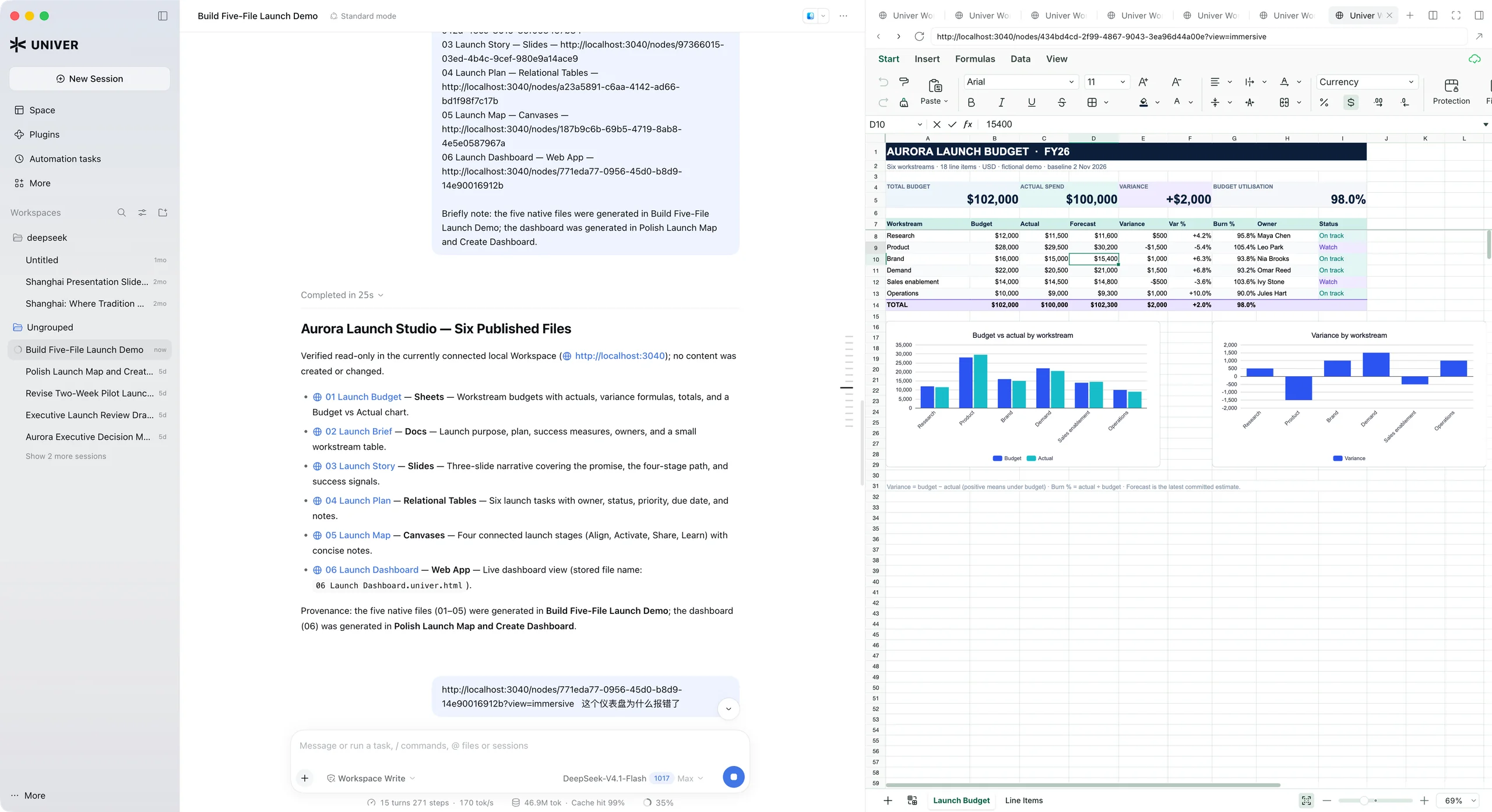
Open and edit native Office content directly in Space, with comments, edit history, and real-time collaboration. Web Apps can bind controls, metrics, and charts to spreadsheet cells, keeping the app connected to your team’s data.
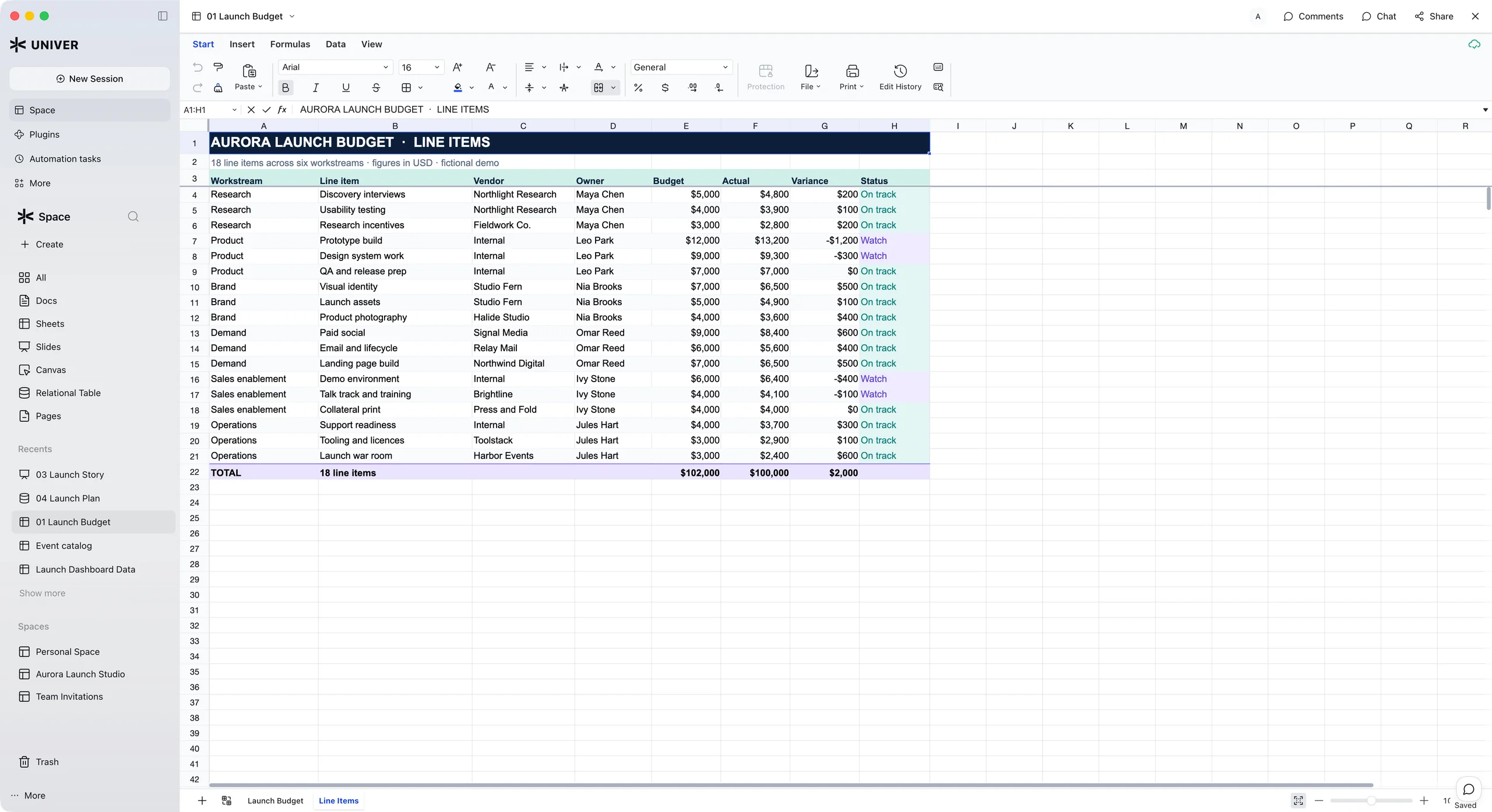
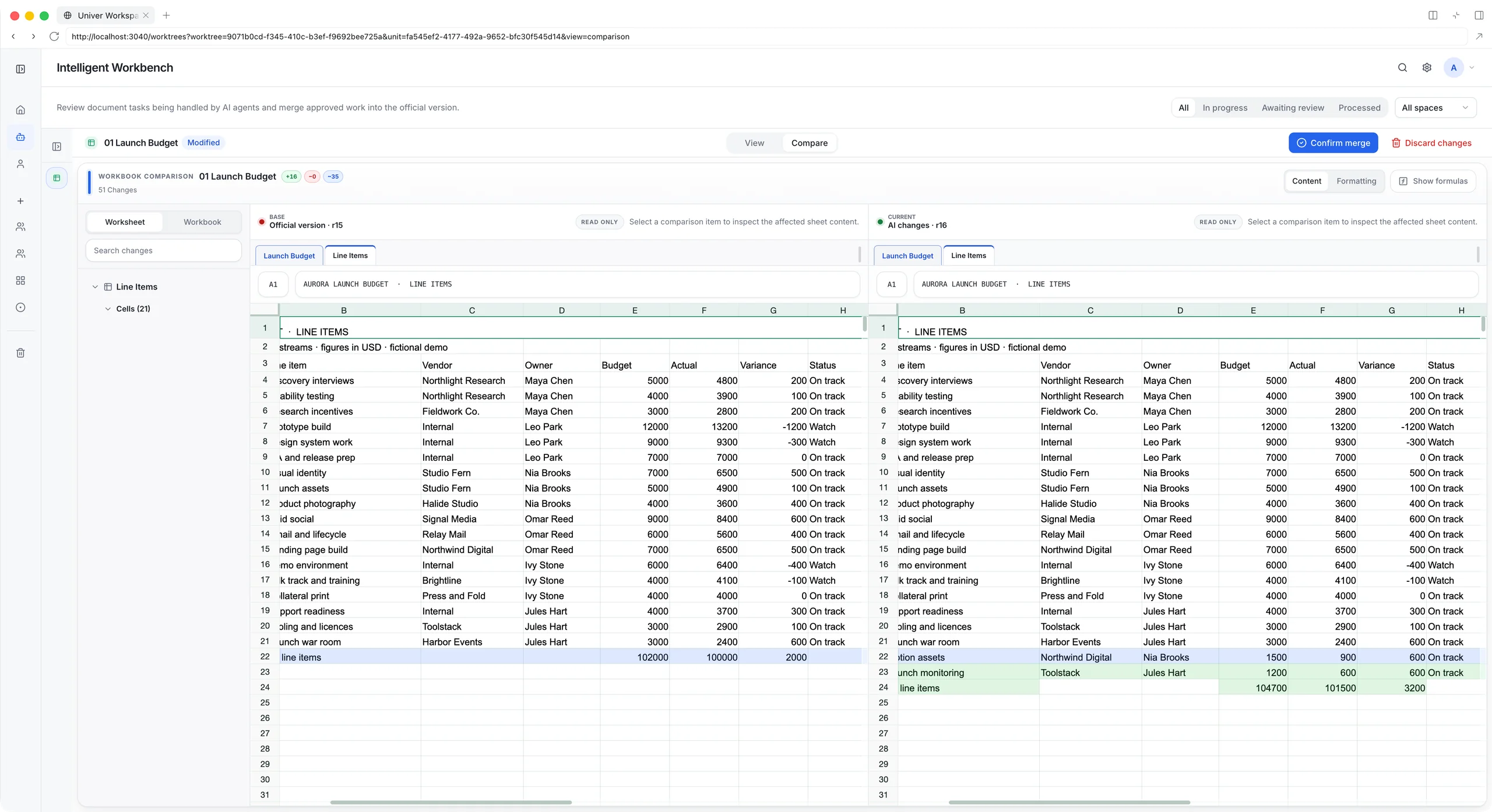
Agents edit and verify native Office content in isolated Worktrees. Compare the proposed changes with the shared version, request a revision, then merge what is ready. Your team stays in control of what is published.
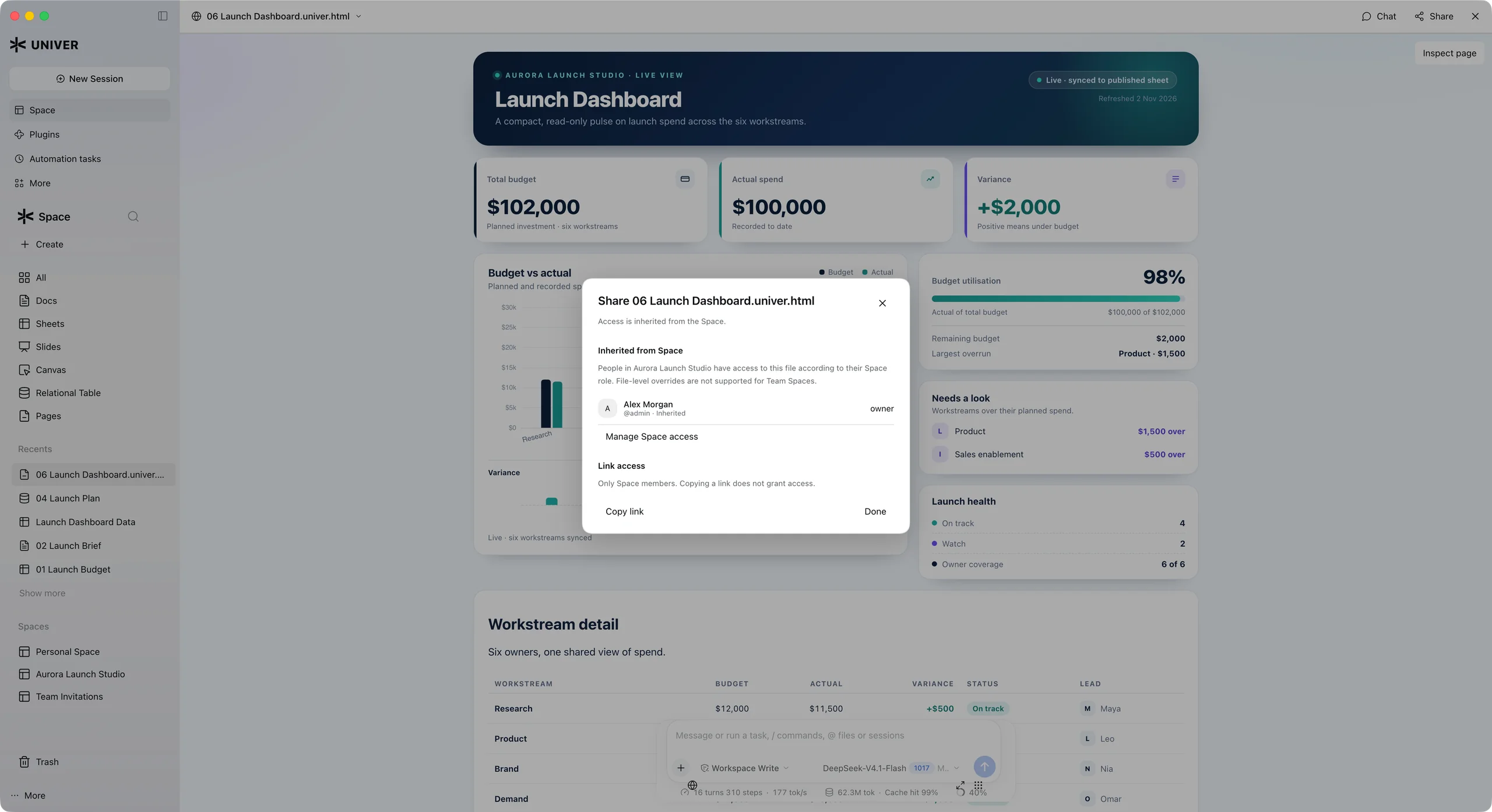
Share Office files and Web Apps with your team. Files in a Team Space inherit its access permissions. Check who has access, manage Space membership, and copy a link to the work. Copying a link does not grant access.
Built with Univer Office SDK, Workspace connects your browser, Desktop, and agents to the same service and files.
Open a Space, edit a document, and share it with your team.
Cloud trial data may be reset. Use sample files.
Connect Codex, Claude Code, or another agent through Workspace CLI. Keep your own model and conversation.
Connect to the cloud trial or your own Workspace deployment.
Keep the conversation, Office previews, and change review together in a local client.
Experimental. Installers and platform availability follow the published releases.
Deploy the open-source application on your infrastructure. Adapt the interface, Skills, and business workflows.
Workspace is Apache-2.0 licensed. Office SDK licensing applies separately.
Explore the running product, connect your agents, and use the open-source implementation to build for your team.